
Yes, grass grows back in Minecraft, but it won't just appear out of nowhere. Grass blocks spread from an existing grass source to adjacent dirt blocks over time, powered by random ticks. Tall grass is a different story: it doesn't regrow on its own at all. You have to use bone meal on a grass block to bring tall grass back. Knowing which type you're dealing with changes everything about how you fix it.
Does Grass Grow Back in Minecraft? Fix Regrowth Fast
Marcus Volkmann
14 May 2026
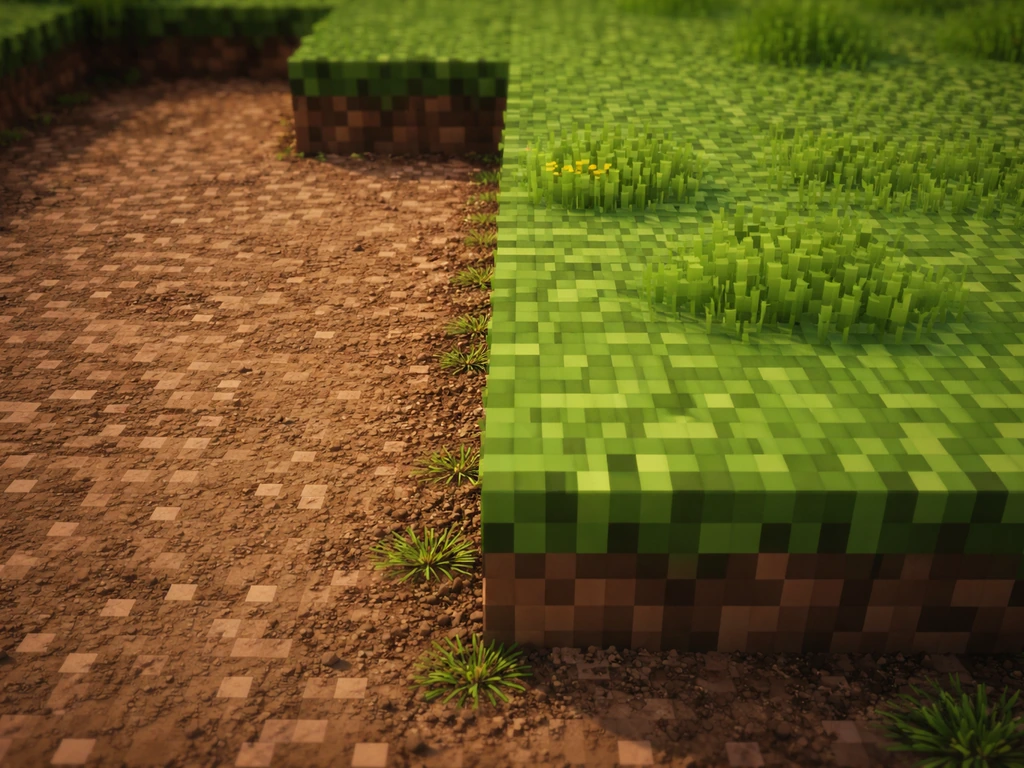
How grass regrowth actually works in Minecraft
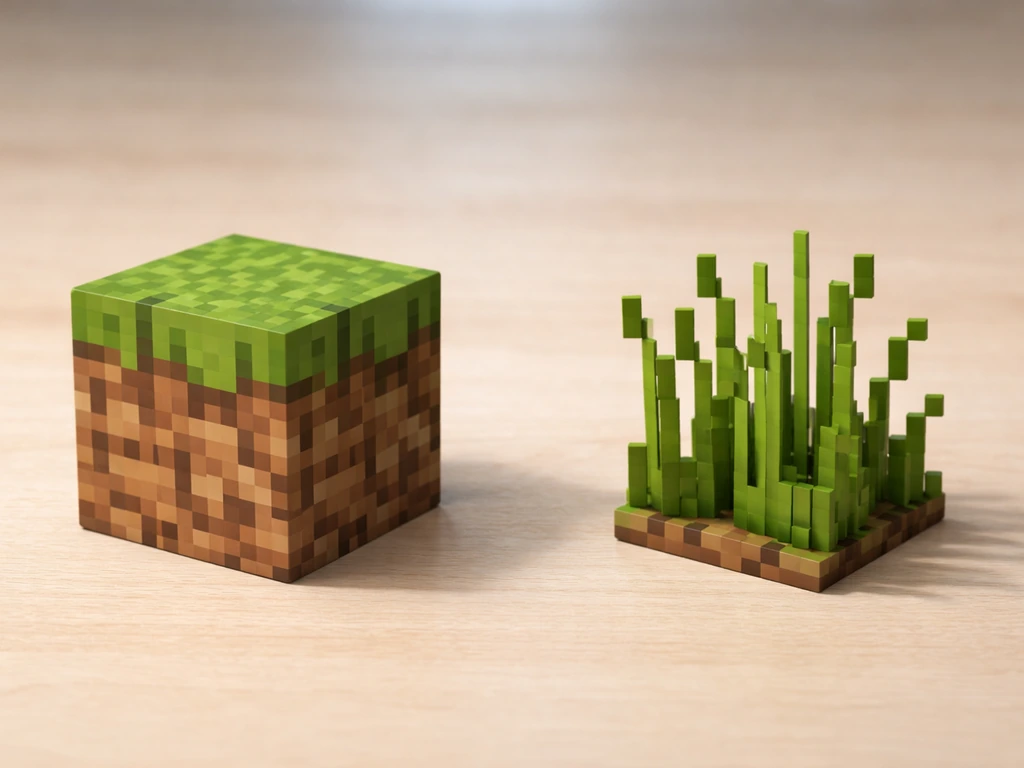
There are two completely different things called 'grass' in Minecraft, and they behave nothing alike. Grass blocks are the green-topped dirt blocks that make up natural terrain. Tall grass is the wispy plant decoration that sits on top of grass blocks. Mixing them up is the number one reason players get frustrated when nothing seems to grow back.
Grass blocks: spread mechanics
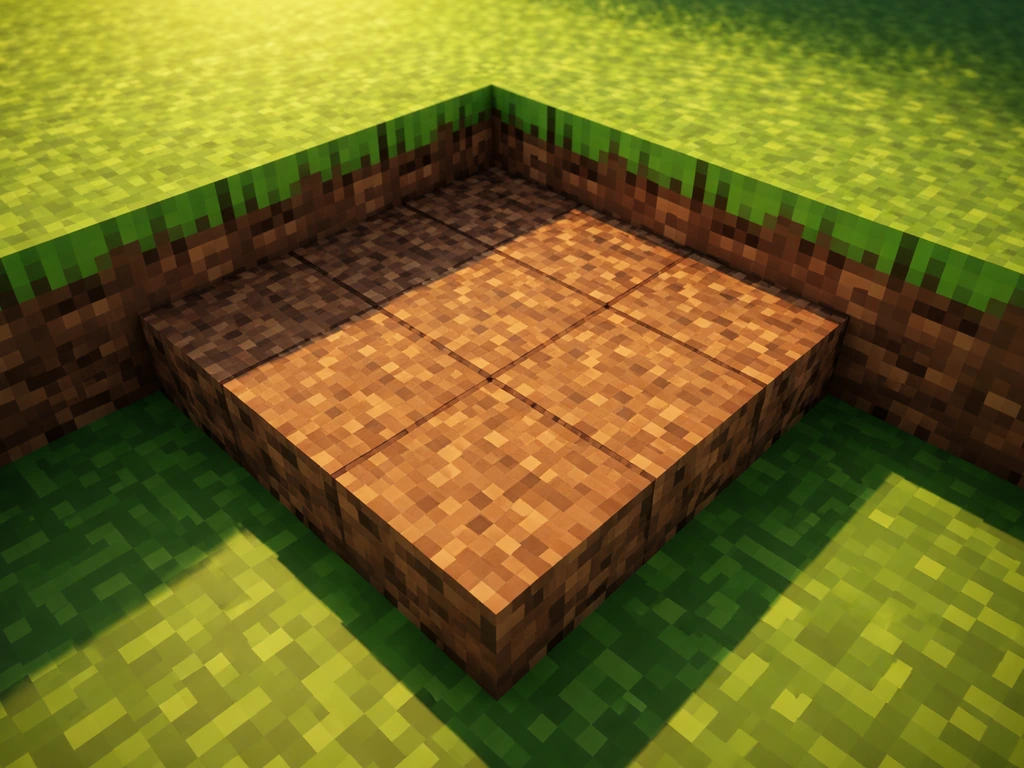
Grass blocks spread through random tick updates. Every game tick, Minecraft randomly selects a handful of blocks in each chunk and processes them. If a grass block gets selected and there's a suitable dirt block nearby with enough light, that dirt block converts into a grass block. The source grass block needs a light level of at least 9, and the dirt block receiving the spread needs at least light level 4. The grass source block itself must have a light level of at least 9 for it to spread. This happens gradually, not instantly, so patience is part of the process.
Tall grass: no automatic regrowth
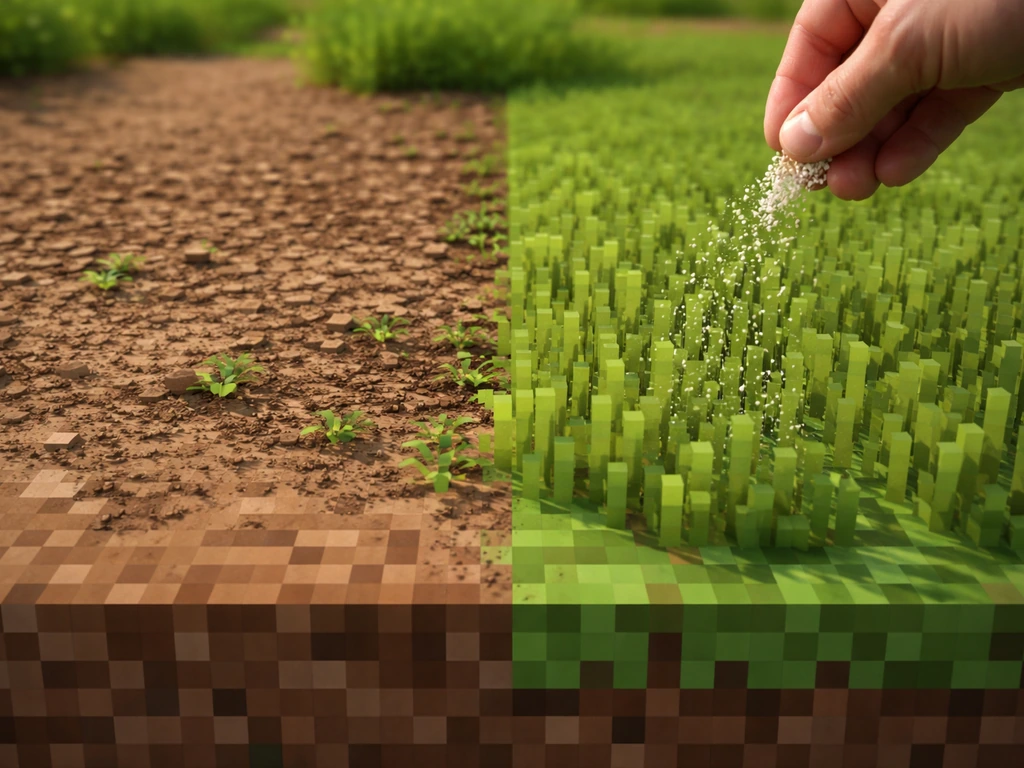
Tall grass does not spread or regrow on its own once removed. It's a plant decoration, not a spreading block. The only reliable way to get it back is to use bone meal on a grass block. Bone meal forces instant growth and can generate tall grass, flowers, and even double tall grass on the targeted block and adjacent grass blocks in a small area. It also has a 12.5% chance to drop wheat seeds when you break it, which is a nice bonus but not a regrowth mechanic.
Does grass grow back after you break or remove it?
If you broke a grass block and left regular dirt behind, yes, grass will eventually spread back, as long as there's an adjacent grass block source somewhere nearby and the light conditions are right. If you dug everything out or replaced the dirt with another block type, you've cut off the spread path and grass cannot return to that spot on its own. Tall grass broken with a tool is just gone until you use bone meal to bring it back.
One thing that trips people up: using a shovel on a grass block converts it into a dirt path, not regular dirt. Grass cannot spread onto a dirt path. So if you accidentally right-clicked with a shovel instead of digging, you now have a block type that's invisible to the grass-spreading system. Same goes for coarse dirt, which looks similar to regular dirt but grass will never spread onto it.
What conditions determine whether grass spreads back
Three things control whether grass can spread to a dirt block: the block type, the light level, and whether there's an opaque block sitting on top. Get any one of these wrong and the spread stops dead.
| Factor | Requirement | What goes wrong if missed |
|---|---|---|
| Block type (receiver) | Must be regular dirt | Coarse dirt, podzol, dirt paths, and other variants won't accept grass spread |
| Light level (receiver) | At least 4 | Underground or shadowed dirt stays dirt forever |
| Light level (source grass block) | At least 9 | Source block won't trigger spreading even if conditions look fine |
| Top block obstruction | Nothing opaque directly above | An opaque block on top of grass converts it back to dirt |
| Adjacent grass source | At least one grass block nearby | Isolated dirt with no nearby grass has nothing to spread from |
Biome matters too, but mostly for decoration. Podzol, which shows up in giant tree taiga biomes, is a hard block that neither grass nor mycelium can spread to. Mycelium, found in mushroom fields, spreads like grass but only to dirt, and the two don't mix: a dirt block in a mycelium-heavy area might get colonized by mycelium before grass ever reaches it. If you're trying to grow grass in or near those biomes, you may be fighting the environment.
Common reasons grass won't grow back
Most cases where grass refuses to come back trace back to one of these problems:
- Wrong block type: the block in place is coarse dirt, podzol, a dirt path, or any non-dirt block. Grass spread only targets regular dirt.
- No adjacent grass source: you cleared too wide an area and there's no nearby grass block left to spread from. Grass can't generate from nothing.
- Too dark: the area is enclosed, underground, or shaded by opaque blocks. The receiving dirt needs light level 4 minimum; the grass source needs light level 9.
- Opaque block on top: a slab, trapdoor, ceiling, or any solid block sitting directly above a grass block will eventually cause it to convert back to dirt.
- Dirt path from a shovel: accidentally right-clicking a grass block with a shovel turns it into a dirt path, which is a different block type that grass can't spread to.
- Slow random ticks: if you're waiting and nothing seems to be happening, the randomTickSpeed may be set low, or you just need to give it more time.
- Mycelium competition: in mushroom biome areas, mycelium may colonize dirt blocks before grass can.
Practical steps to get grass growing back right now
Here's the exact process I'd walk through if grass stopped growing back in my own world. Work through these in order and you'll find the culprit fast.
- Check your block type first. Hold a block identifier or just look carefully: is the substrate regular dirt? If it looks slightly darker or rougher, it might be coarse dirt. If it has a path texture, it's a dirt path. Replace those with regular dirt using your inventory.
- Confirm there's at least one grass block adjacent to the problem area. Grass cannot spread from nothing. If you cleared a wide patch, bring in a grass block (silk touch pickaxe or carry one over from a grassy area) and place it at the edge of the dirt.
- Check light levels. Press F3 in Java Edition to see the light level at your cursor. The dirt blocks need at least 4, and your nearest grass source needs at least 9. If you're under a roof or in a dim area, open it up or add torches/skylights.
- Remove anything opaque sitting directly above any grass blocks in the area. Even a single slab or ceiling panel above an existing grass block will eventually convert it back to dirt and remove your spread source.
- For tall grass specifically: stop waiting and use bone meal. Right-click a grass block with bone meal and you'll get a burst of tall grass and flowers immediately. This is the only practical way to restore tall grass.
- Speed up the wait time if you're impatient. In single-player, run the command /gamerule randomTickSpeed 100 to dramatically speed up random ticks and watch the spread happen in real time. Set it back to 3 (Java) or 1 (Bedrock) when you're done.
- Give it time after all conditions are met. Even with everything correct, spreading takes multiple random tick cycles. Stay in the chunk (don't wander too far) so the chunk stays loaded and ticks keep processing.
Java vs Bedrock differences and edge cases
The core grass-spreading mechanics work the same between Java and Bedrock editions: spread requires an adjacent grass block, a receiving dirt block, and sufficient light. The main practical difference is in how random ticks are counted.
In Java Edition, randomTickSpeed sets the exact number of blocks selected per chunk per tick, with a default of 3. In Bedrock Edition, it works as a relative speed multiplier with a default of 1. This means if you're testing with the same randomTickSpeed value on both editions, the actual spread rate may feel different. On Bedrock, increasing randomTickSpeed has a similar effect but isn't a one-to-one comparison with Java numbers.
Bone meal behavior is consistent across both editions for getting tall grass back. Apply it to a grass block and you'll get immediate tall grass and plant generation. There's a note worth mentioning for Bedrock players specifically: applying bone meal to existing tall grass can sometimes produce double tall grass (the two-block-tall fern-like variant), which is a slightly different item if you're farming for a specific decoration type. The Minecraft Bedrock Wiki notes that using bone meal can also produce double-tallgrass behavior, which is relevant for Bedrock-family mechanics blank" rel="noopener noreferrer">double tall grass.
Biome quirks are the same across editions. Podzol will never accept grass spread on either platform. Mycelium fields will colonize dirt in their biome before grass gets there. If you're playing in a mega taiga or mushroom island area and wondering why grass refuses to take hold, the biome is actively working against you. The fix is the same on both: replace problem blocks with regular dirt and bring in a grass source block with silk touch, then protect it from being re-colonized.
One edge case worth knowing: if you're playing in the Nether or End, grass simply won't spread there. Nether and End dimensions don't support grass block spread at all, regardless of how you set up your dirt and lighting. If that situation applies to you, you're looking at a fundamentally different problem than standard overworld regrowth. Similarly, if you've been exploring Stardew Valley-style farming games alongside Minecraft, the mechanics don't translate: seasonal and in-game calendar timing that affects grass in other games doesn't apply here. If you're wondering about grass regrowth in Stardew Valley specifically, it follows different in-game rules than Minecraft Stardew Valley-style farming games. If you're wondering whether the same rule holds in Stardew Valley, grass follows its own seasonal growth schedule. Minecraft's grass is purely physics-and-light driven.
FAQ
How long does it usually take for grass to spread back in Minecraft after I broke some grass blocks?
It depends on random ticks and light, but grass spread is gradual. If you need it faster, add a nearby intact grass source block, make sure the target dirt is exposed to light (receiving at least light level 4), and verify the source side has light at least 9. If nothing changes after a good while, the issue is usually block type, too little light, or an opaque block blocking the top.
Will grass spread back if my world is on Peaceful or I have mob spawning turned off?
Yes. Grass regrowth from grass blocks spreading uses random tick mechanics, not mob behavior. Difficulty and mob settings do not directly prevent grass from spreading, but chunk activity still matters, since random ticks only run on loaded, ticking chunks.
Why does grass spread stop when I place slabs, leaves, or other blocks above the area?
Grass spread checks what is on top of the receiving dirt block. If an opaque block sits above, it can prevent the light conditions needed for the dirt to convert. Try removing the top obstruction or increasing skylight or torchlight at the receiving dirt level.
I used Silk Touch on a grass block, but grass still did not come back. What else could be wrong?
Silk Touch ensures you get a grass block item, but regrowth still requires a continuous path of eligible blocks nearby. Place the grass source adjacent to regular dirt (not coarse dirt, grass path, or podzol), then confirm light levels and avoid placing opaque blocks overhead in the path.
Can I force grass regrowth without waiting for random ticks by toggling game settings or reloading chunks?
Reloading chunks can help because it ensures blocks are actively ticking again, but it does not override the underlying requirements (adjacent grass source, correct receiving block type, and light thresholds). In practice, the fastest approach is to create a valid grass-to-dirt setup near your location, then let ticks run.
What happens if I waterlog farmland or change water nearby, will grass still spread?
Grass spread is based on adjacent grass blocks and light at the receiving dirt block, not whether water exists nearby. However, water can change which blocks are present at the receiving position. Make sure the receiving target is actual dirt (not farmland or another block) and that light can reach it.
Does grass spread work in caves, or does it only happen in open sky areas?
Grass can spread underground if the light requirements are met at the receiving dirt block (at least light level 4) and the source grass block has at least light level 9. If caves are too dark, place torches or otherwise raise light levels at the correct block coordinates, then wait for random ticks.
If I want tall grass back, can I just wait like regular grass, or do I always need bone meal?
Tall grass does not regrow on its own once removed. You need bone meal applied to a grass block to generate tall grass immediately. If you specifically want a certain tall grass variant, apply bone meal carefully and note that on Bedrock it can sometimes produce double tall grass when bone meal is used on existing tall grass.
Why did my shovel make grass not return, even though I didn’t replace it with something obvious?
Using a shovel on a grass block turns it into a grass path, not regular dirt. Grass spread cannot convert grass onto grass paths, and it also cannot spread onto coarse dirt or podzol. If you accidentally made paths, convert the area back to regular dirt (and ensure it is adjacent to a grass source) before expecting spread.
Does this work the same on Java and Bedrock, especially if I change randomTickSpeed?
The rules are the same conceptually, but the speed feels different because random ticks are calculated differently. Java uses a more direct per chunk per tick count, while Bedrock treats randomTickSpeed as a relative multiplier. If grass seems to stall in your test, double-check that you are comparing realistic spread behavior and that chunks are actually ticking.
Can grass regrow in the Nether or End if I somehow place dirt and light there?
No. Grass block spreading does not work in the Nether or the End, regardless of how you set up light and dirt. If you see grass behavior there, it is coming from a different mechanic, so you need an overworld-based plan (for example, importing grass blocks) rather than waiting for natural spread.
Do I need a specific biome to get grass spread back, or is it always possible everywhere in the overworld?
Most biomes follow the same mechanics, but biome blocks can block spread. Podzol prevents grass spread entirely, and mycelium can colonize dirt before grass does in mushroom field areas. If you are restoring grass in those biomes, you may need to replace problem blocks with regular dirt and protect the setup from re-colonization.
Next Articles
Can Grass Grow in the Nether? Real Rules and Steps
Find out if grass can grow in the Nether, the exact mechanics, and step-by-step ways to try it or get green alternatives
Does Grass Grow in Fall in Stardew Valley? What to Do
Yes, grass regrows in Stardew Valley Fall. Learn the exact conditions, why it may stop, and what to do next.
Can You Grow Grass Over Gravel? How to Do It Right
Learn when you can grow grass over gravel and follow a step-by-step method for soil depth, drainage, seeding or sod, and